Home / Blog / Guides & Setup
Guides & SetupPickup and Takeaway Ordering: Setting Up a Storefront
Takeaway is pickup, one channel. How the pickup storefront works, what to set on the Pickup Settings page, and where to put the link.
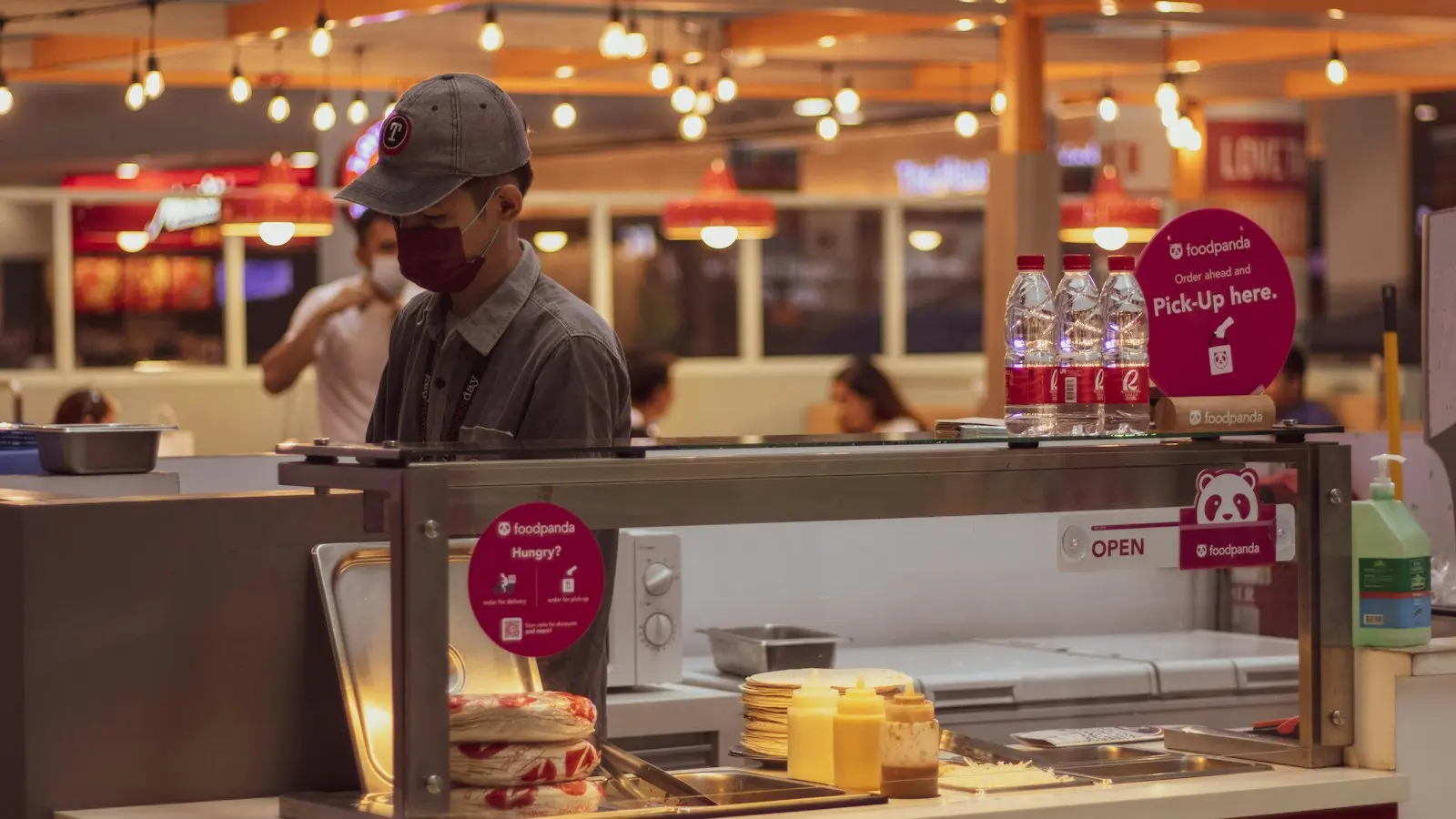
Takeaway and pickup are one channel in Muncho, labelled Pickup, and it is the cheapest order a restaurant can take: no rider, no packaging trip, no aggregator in the middle, and a commission of 2.1 per cent against 5 per cent on delivery, both published rates. The guest orders from your link, pays up front, and collects.
If you are choosing where to start with online ordering, start here. It has the fewest moving parts of anything in this product.
How does the pickup channel work?
A guest opens your pickup link, browses the menu, orders and pays. Your staff see the order on the dashboard Orders screen, accept it, prepare it, and mark it ready. The guest gets a message telling them so, and comes to collect.
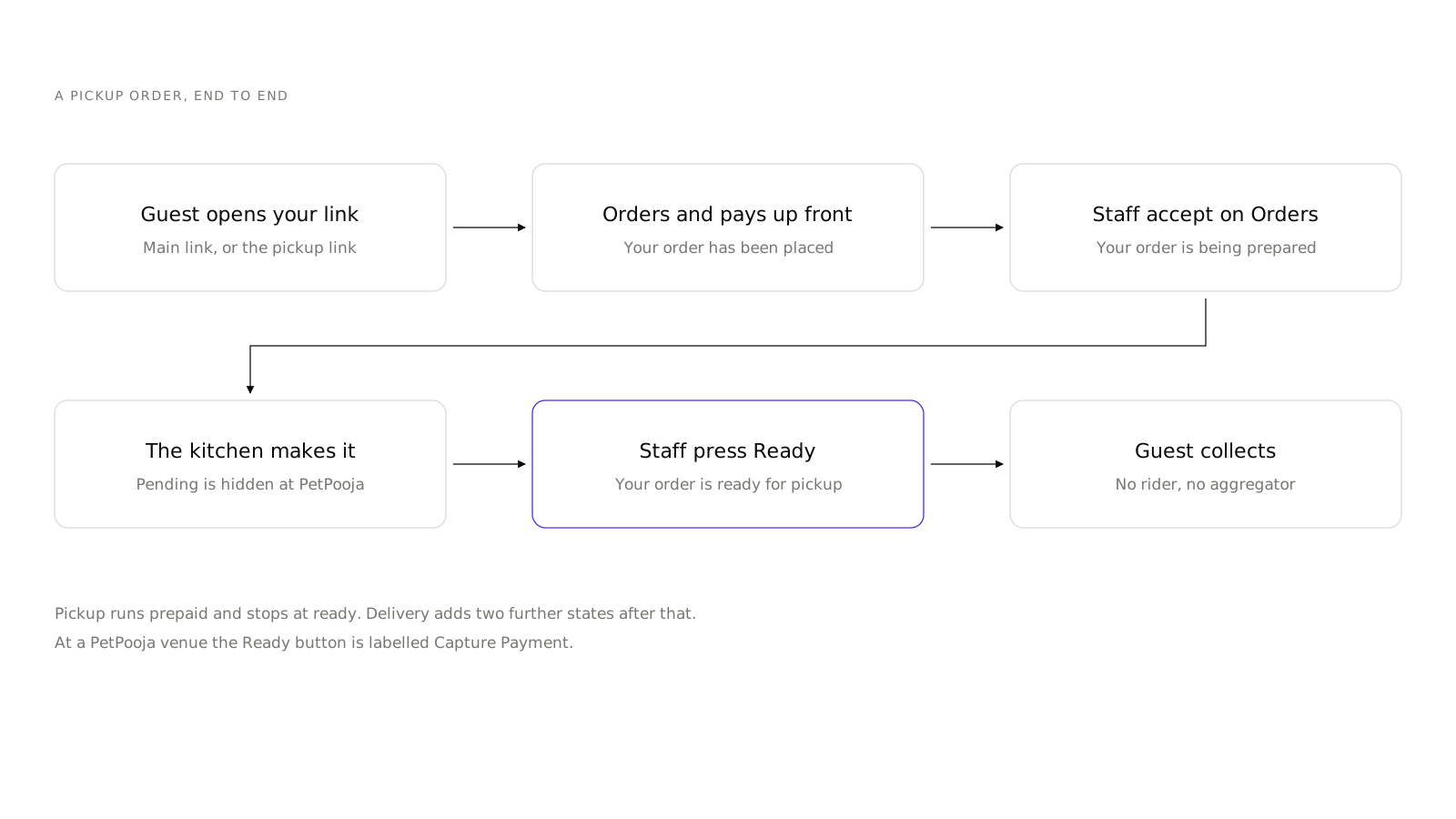
The guest-facing wording follows the order through five states:
pendingbecomes "Your order has been placed"acceptedbecomes "Your order is being prepared"completedbecomes "Your order is ready for pickup"
Delivery adds two further states after that. Pickup stops at ready.
How do you get a pickup channel?
You do not create one from a button. There is no create-a-channel and no create-an-outlet screen in the dashboard, deliberately. A channel is an outlet row, and outlets are created at signup or during POS onboarding.
What you see instead:
- Until a Delivery or Pickup outlet exists, the sidebar shows Online Orders with Links and Settings.
- Once the outlet exists, Pickup appears as its own section with Menu, Menu Groups, Upsells, Appearance, Buttons, Ads, Orders, Create Order, Menu Links and Settings.
If you signed up yourself and want a pickup channel, that is a request to the Muncho team, not a setting you missed.
What do you set on the Pickup Settings page?
Less than on delivery, which is the point.
- Packaging Charge. Fixed Amount or Percentage. This is the one that matters for pickup margin, and it is the line guests most often question, so keep it honest.
- Commission. Customer or You. Pickup carries 2.1 per cent.
- The channel's Appearance, Buttons and Ads, which are per channel like everything else.
The delivery-specific fields do not apply: there is no fulfilment partner, no radius, no per-kilometre charge. The accept dialog's preparation and delivery time fields are delivery-only too.
How does an order reach your kitchen?
The same way a delivery order does, minus the rider.
On the dashboard Orders screen the tabs are Upcoming, Pending, Accepted, Completed and Rejected. The Pending tab is hidden at PetPooja venues, where orders default to Accepted, because PetPooja makes the accept or reject decision and returns it on a callback.
Staff press Reject or Accept. On the Accepted tab there are two actions, Cancel and Ready. At a PetPooja venue Ready is labelled Capture Payment.
A prepaid order for now auto-pushes into the POS on payment authorisation. A scheduled pre-order waits for a staff accept before it is pushed, which is the behaviour you want for someone ordering lunch at 9am.
Where does the link go?
This is the part that decides whether the channel works, and it is the part most restaurants skip. If you have no link yet, create an account and ask for a pickup channel while you are setting the rest up.
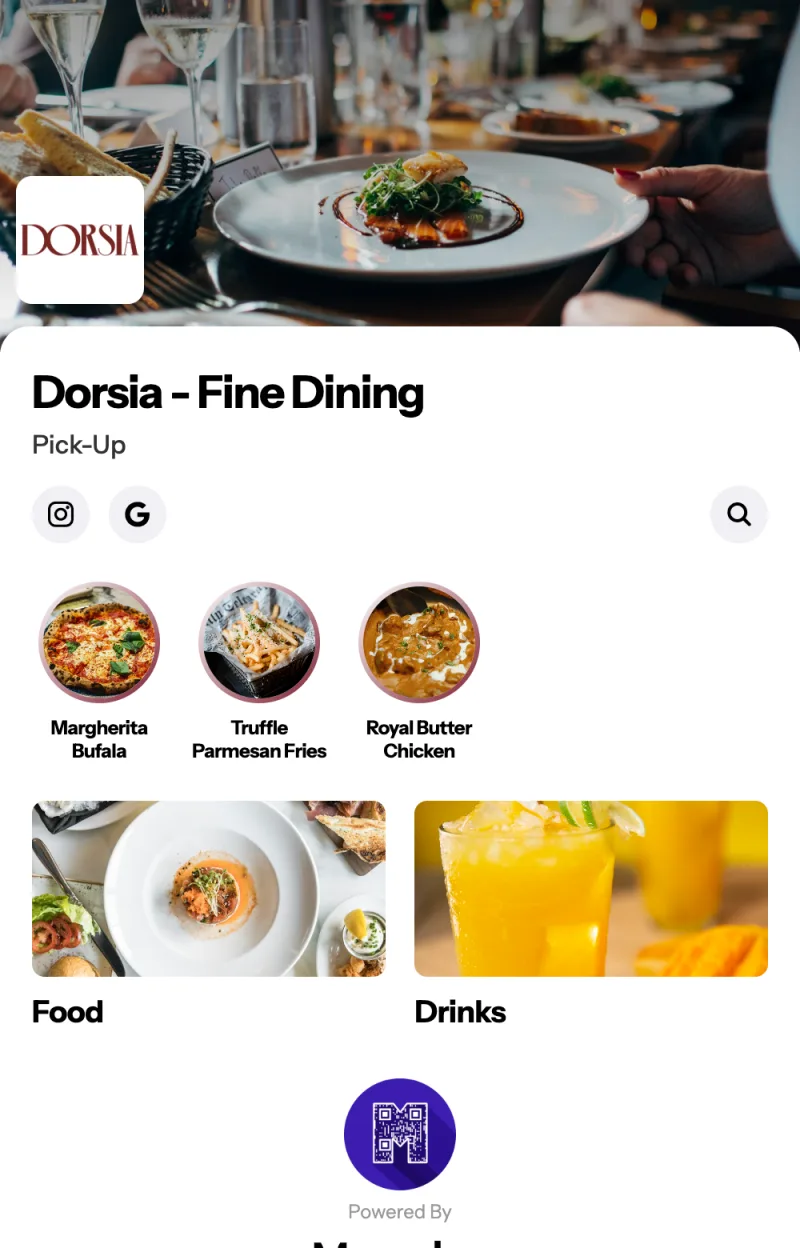
Open the Links page, headed Links. It gives you the per-channel link, shaped https://app.muncho.in/#/home/your-outlet/pick_up, and a Main link at https://app.muncho.in/r/your-outlet. The dashboard describes the Main link as one that "offers every channel and lets the customer pick. Use it anywhere you only get one link."
Each row has Copy link, Open in a new tab, and Download QR.
The builder on that page lets you make a more specific link: pick a target from Whole menu, Menu group, Section or Dish, add an optional Discount code, and add an optional Campaign name so you can tell where the orders came from.
Places to put it, in order of how well they tend to work:
- Instagram bio. Use the Main link.
- Google Business profile, as the ordering link.
- A QR sticker on the counter, from the Pickup QR Code card on the QR Codes page.
- A sticker on every takeaway bag. The guest who liked the food is already holding the thing.
- The bottom of the printed bill, if your POS lets you add a line.
- WhatsApp status and your broadcast list, posted by a person. There is no campaign builder in the dashboard, so this is manual.
What about dish-level and group-level links?
Underused and genuinely effective. If you are running a weekend biryani special, a link that opens on the biryani rather than on the whole menu converts better than the same post with a generic link, because you have removed a scroll.
Add a campaign name to it and the orders are attributable. Add a discount code and the link carries the offer, so nobody has to type anything.
How does pickup compare with delivery?
| Pickup | Delivery | |
|---|---|---|
| Commission | 2.1% | 5% |
| Who moves the food | The guest | Your staff or Shiprocket |
| Extra charges to set | Packaging | Packaging, delivery charge, radius |
| Order ends at | Ready for pickup | Delivered |
| Address needed | No | Yes, and re-entered every time |
| Risk | A no-show on a prepaid order | Distance, rider cost, cold food |
Pickup has almost no downside and a smaller ceiling. Delivery has a larger ceiling and more to get wrong. Most restaurants should have both live, and should promote pickup harder than they do: the guest who is already walking past your door is the cheapest order in the business. Delivery setup is in delivery charges and radius.
What to check before you promote the link
- Order from it yourself, pay for it, and collect it.
- Check the packaging charge appears the way you expect at the bottom of the cart.
- Check your operating hours, because a link that takes orders when the kitchen is shut is worse than no link.
- Check the menu on a phone. Out-of-stock dishes vanish rather than greying out, so run through how your menu gets into Muncho if anything looks missing.
- Decide what your staff say when the guest arrives, and where the bags sit.
Then put the link somewhere. A pickup channel nobody has been told about takes exactly zero orders, and that is the most common reason a restaurant concludes online ordering does not work for them.
Questions restaurants ask
Is takeaway different from pickup in Muncho?
No. Takeaway and pickup are the same channel, and the dashboard labels it Pickup. There is no separate takeaway setup.
How do I create a pickup channel?
You do not create it yourself. A channel is an outlet, and outlets come from signup or POS onboarding, not from a dashboard button. The Pickup section appears in the sidebar once a pickup outlet exists.
Is a pickup order paid up front?
Yes. Pickup runs prepaid, and the order flow ends at 'Your order is ready for pickup' rather than going out for delivery.
What does pickup cost me?
The displayed commission for pickup is 2.1 per cent, against 5 per cent on delivery. You decide whether the customer or the restaurant bears it on the Commission card.
Can I set a minimum order value for pickup?
No. There is no minimum order value in the product. The only minimum that exists is on a coupon, which can require a minimum order value to be used.
Run this on your own menu
QR ordering at the table, your own delivery and pickup storefront, and payments straight to your account. India plans: Plus Rs 11,999, Pro Rs 23,999, Max Rs 49,999 a year per outlet, plus GST. Usage comes from your wallet.
Related reading
 Guides & Setup
What Is Scan and Pay? Settling a Restaurant Bill From the Table
Scan and pay lets a guest scan the table code, land straight on the printed bill and settle it. Here is how it works and when it does not.
 Guides & Setup
Cover Charge for Pubs and Clubs: Pricing, Redemption, Reporting
How to price a cover charge by day, collect it at the door, redeem it against the bill, and read the redeemed versus non-redeemed split the next morning.
 Guides & Setup
Setting Delivery Charges and a Delivery Radius That Pays
Fixed or per-kilometre, how far to deliver, free delivery thresholds, packaging, and the two things Muncho deliberately does not have.